Results & exploration in the dashboard
Create the topline report
Once every interview-guide topic has been analyzed, create the project-wide topline report from Summary. xelper brings the topic analyses together in a written report and a slide deck for the final analysis and presentation of the study.
The following steps apply exclusively to Chat projects.
Before you start
The topline report becomes available when:
- the planned number of valid interviews has been reached;
- every eligible interview-guide topic has analysis results;
- each analyzed topic has a completed summary.
The topline uses the completed topic summaries and charts as its source and brings them together across the project.
Start the topline report
Admin and Member can start the report:
- Open Summary. When all topic analyses are complete, the page shows Generate Topline Report.
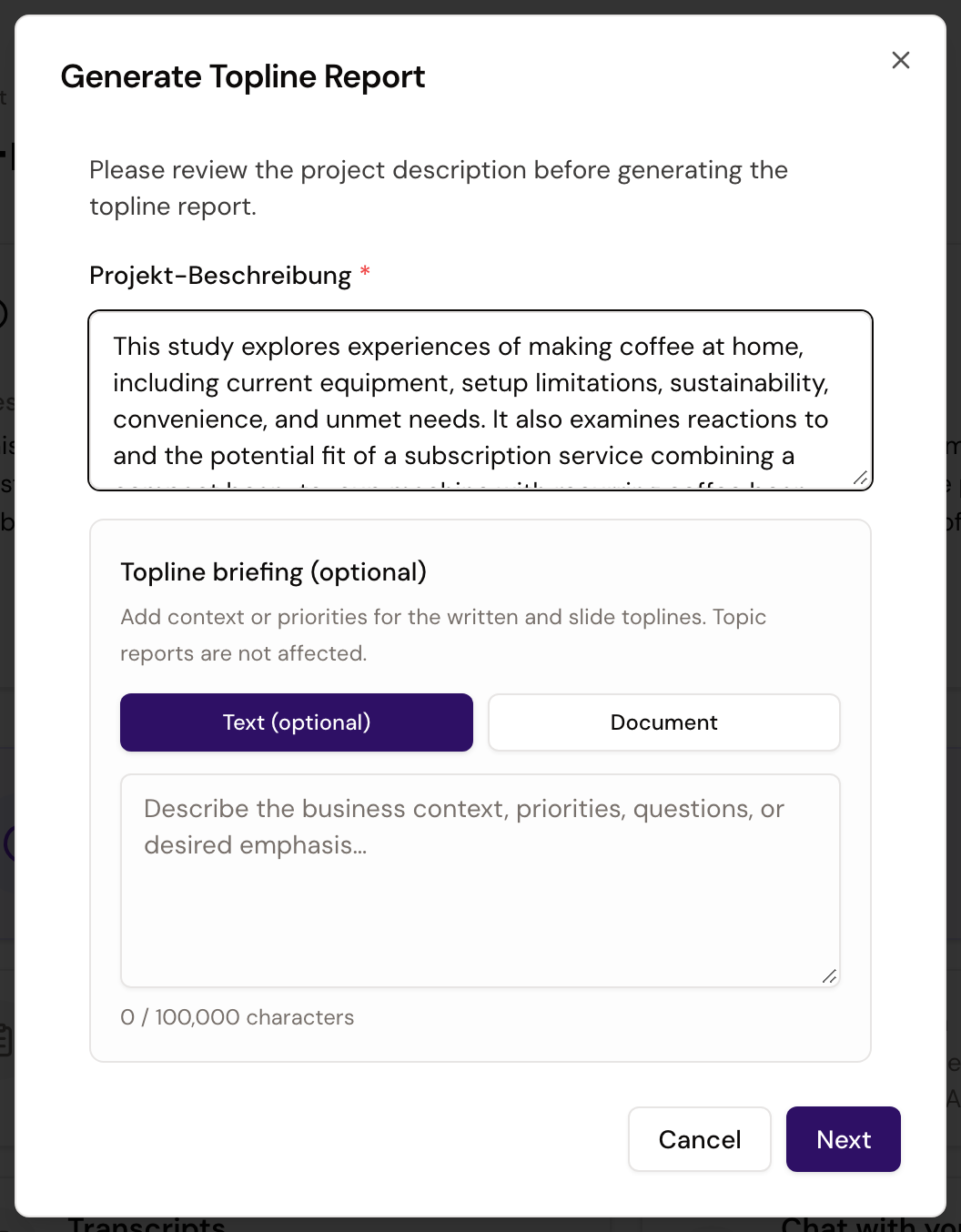
- Select Generate Topline Report and edit the required Projekt-Beschreibung. This description provides the study context for the report and is saved with the project.
- Optionally add a Topline briefing as text or a document. Use it to identify the business context, priorities, or questions the final report should emphasize.
- Select Next, choose the completion-email recipients, and start the generation with Send to me or Send to all project members. If the project has Client members, you can include them in the notification.
Client has read-only access and cannot start the topline report.

xelper starts the topline report after the agreed analysis work is complete. Admin, Member, and Client can view the finished report according to their project access, but they do not start this processing step.
While the report is generated
xelper creates the written topline and slide deck in parallel. You can leave the page and continue working in the project. The selected recipients receive an email when both outputs are ready.
If generation fails, return to Summary and follow the displayed error or retry guidance.
What the final report contains
The two outputs serve different purposes:
- The written topline brings the findings from all topic analyses into one project-wide narrative. It uses the project description and any Topline briefing to frame the study and its priorities.
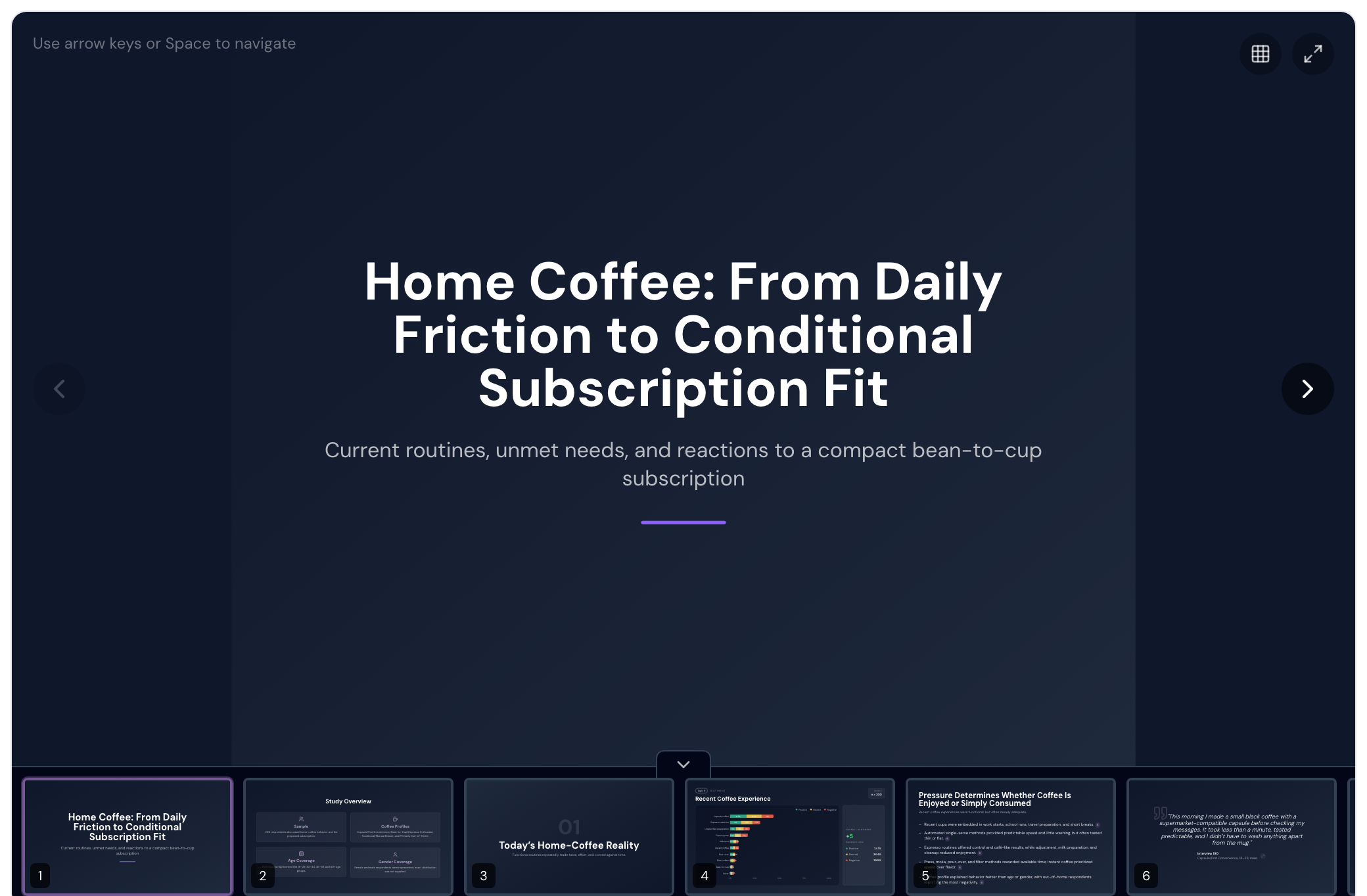
- The slide deck presents the same project-wide analysis in a presentation format.
The topline is a synthesis, not a separate analysis of the raw interviews. Use it to understand the overall story, then return to the relevant topic summary, chart, and notes when you want to trace a finding to its supporting material.
View and download the report
Open Summary after the completion email arrives. Read the written topline or open the slide deck.
The download actions provide:
- Download slideshow for the PowerPoint presentation;
- Download text for the written topline as a Word document;
- Download all reports for a ZIP file containing both topline formats, the topic summaries, and the available bar charts.